
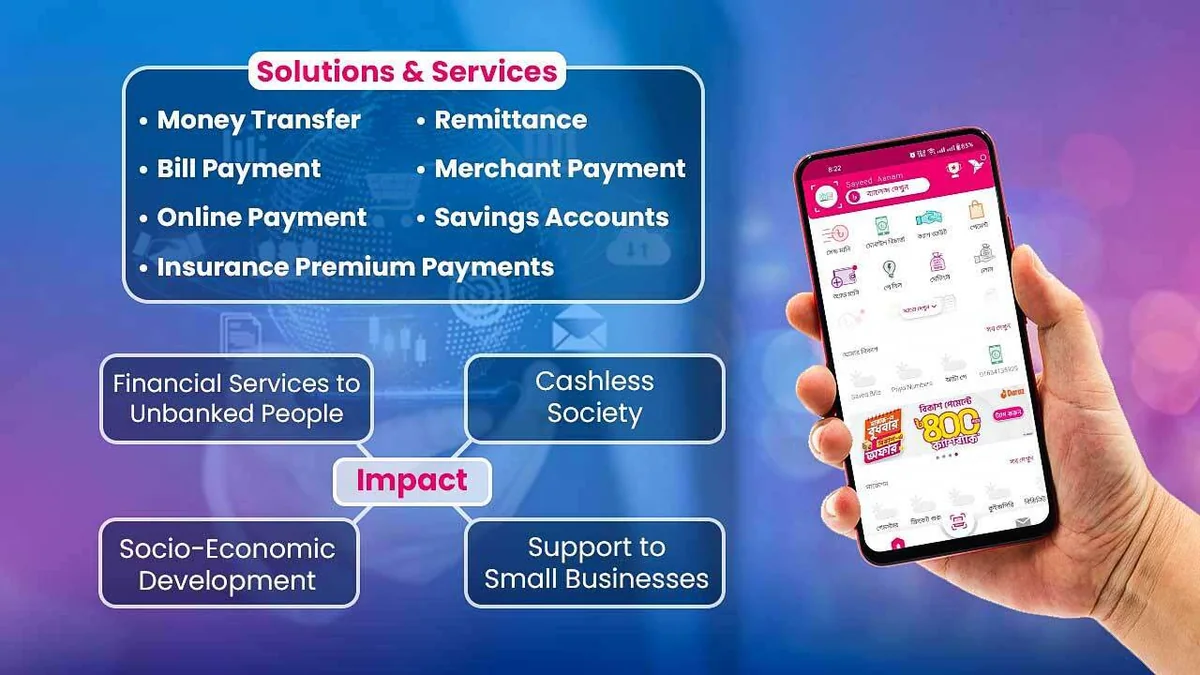
Watching Taka deduct smoothly from your bKash or Nagad phone app while your casino screen stays at BDT ৳0 triggers instant anxiety. Almost universally across Bangladesh, however, that money isn't vanished—it sits safely inside the payment aggregator awaiting manual TrxID matching because one tiny form input differed from the webhook signature.
Knowing exact diagnostic patterns keeps players calm, prevents panicked duplicate transfers, and slashes live-chat resolution down from hours to minutes. Follow every diagnostic fix below from our Payments Verification Desk.
Common TrxID Deposit Failures & Immediate Recovery Fixes
| Failure Cause | What Happened | Wallet Money Lost? | Exact Fix Action |
|---|---|---|---|
| Sent after 15-min timer expired | Gateway rotated active merchant SIM | No — recoverable via TrxID log | Do NOT resend; message official live chat with receipt |
| Cash Out vs Send Money flipped | Personal transfer hit Agent or vice versa | No — mismatch stalls auto-sync | Share MFS screenshot + TrxID inside live chat |
| Amount altered mid-transfer | Requested ৳1,000 ticket but sent ৳1,050 | No — manual amount override | Report exact Taka transferred with Order ID |
Character typo (O vs 0) | Manual USSD receipt transcription error | No — rejected form string | Recheck SMS/App statement & resubmit cleanly |
| Reused yesterday's saved number | Sent cash to retired offline merchant SIM | Risky recovery queue | Provide urgent full receipt to chat desk immediately |
Where to Locate Lost TrxIDs Inside bKash, Nagad, Rocket & Upay
Typing from fuzzy memory wastes support queues. Open the native app used to authorize the payment and extract the clean string digitally:
- bKash App: Tap Notifications (bell icon) or Menu > Statements, select the exact transfer card, and long-press the 10-character alphanumeric TrxID (
B.../9...) to copy cleanly. - Nagad App: Open bottom-bar Transactions tab, tap the outgoing item, and copy the clean Txn ID string beneath Timestamp.
- DBBL Rocket App / *322#: Inspect Mini Statement inside the app or dial
*322#> My Account > Mini Statement for recent reference codes. - Upay App: Open History > Expense summary to expose full UCB transaction references.
Why You Must Stop Immediately Instead of Sending a Second Test Deposit
First-time users frequently panic after two silent minutes and blast another identical ৳1,000 payment onto a second cashier order hoping it pushes both through. In reality, duplicated Taka tickets collide inside automated fraud filters, burying both TrxIDs deeper inside manual reconciliation review. Always settle the first missing receipt before launching another transfer.
Exact Four-Line Evidence Packet That Clears Live Chat Fast
Writing vague chat lines like 'vai taka ashe nai help' leaves agents asking four follow-up questions across fifteen wasted minutes. Pasting a complete structured evidence bundle in your opening message allows billing engineers to locate and manually credit verified transfers promptly.
- Write your exact GO456BD Username and Deposit Order Ticket Reference.
- Include the exact Sender +880 Wallet Number and Recipient Wallet Number you paid.
- Paste the complete TrxID / Txn ID string plus exact BDT Amount and Date/Time (BST).
- Attach one uncropped full-screen screenshot of the bKash/Nagad app transaction confirmation card showing Completed status.
Checking Whether a Transaction Actually Reversed at MFS Level
During chaotic peak internet drops in Bangladesh, mobile apps occasionally flash timeout screens while leaving your original wallet balance untouched—or temporarily debiting and auto-reversing inside 180 seconds. Verify current remaining balance inside your MFS app before assuming a transfer completed!
Inspect both Sent Notifications and Reversal entries inside your digital ledger. If your bKash or Nagad balance bounced cleanly back up after 3 minutes without registering a debit statement row, open a brand-new Cashier deposit order calmly.
Handling Agent Number Shifts & 'Monthly Receiver Cap Full' Errors
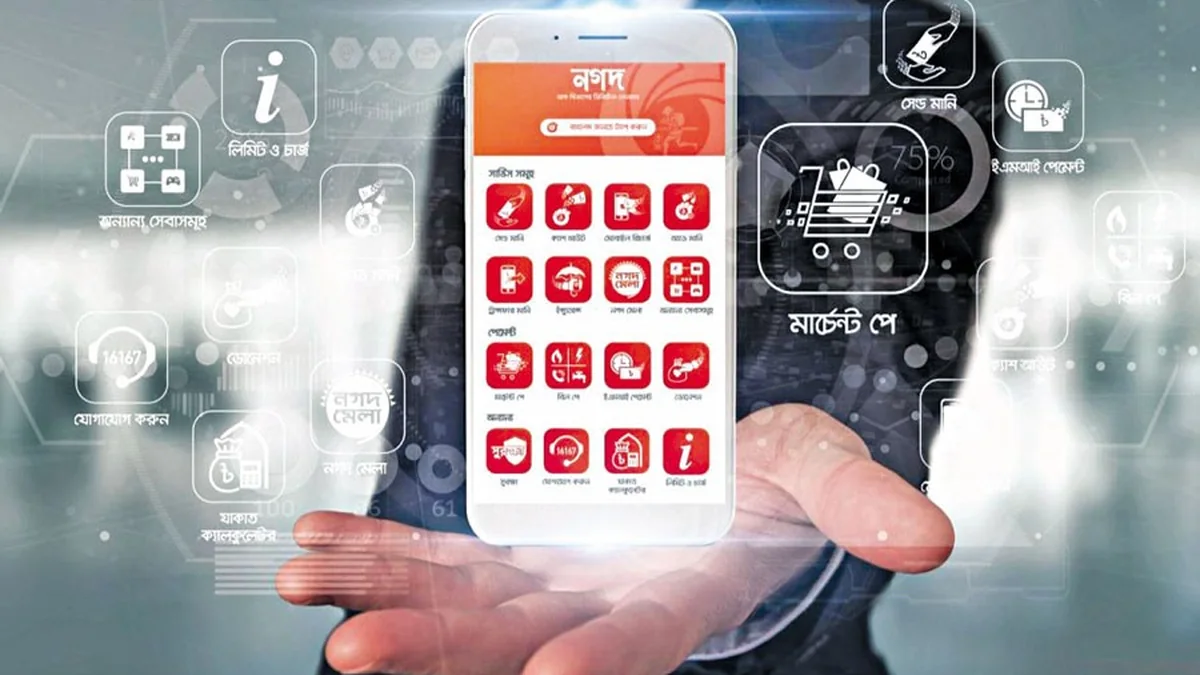
During busy Thursday and Friday cricket evenings in Bangladesh, popular MFS merchant SIMs occasionally hit automated Bangladesh Bank daily receive thresholds mid-minute. If Cashier flashes a warning inside bKash or Nagad stating the receiver wallet cannot absorb funds, cancel the transfer immediately before confirming PIN.
Press Back to Cashier > Reload Order so gateway routers spin up an idle high-headroom merchant wallet cleanly, saving both transaction fees and manual TrxID wait queues.
Preventing Future TrxID Errors on *247# and *167# USSD
Copy-pasting via smartphone apps virtually eliminates transcription errors compared with reading tiny USSD pop-up fonts (0 zero vs O, 1 vs I, 8 vs B). Whenever possible, complete bKash and Nagad deposits inside official Android/iOS wallet apps rather than raw GSM codes.
Preventing Payout Delays After Credit Arrives
Once manual billing support credits a rescued deposit, check your wallet balance history to verify clean arrival—and make sure you never skip KYC setup before expecting smooth two-to-five-minute return withdrawals.
Finally, bookmark MFS Fee Matrix alongside TrxID rules so every upcoming top-up runs with zero agent errors.
Related Bangladesh Verification Guides
Explore verified payment routes, sibling reviews, and safety audits from the GO456BD desk:
Field Summary & Next Steps
Almost every delayed MFS deposit recovers smoothly inside 10 to 30 minutes once crisp Transaction ID evidence reaches official HTTPS live support.
Protect yourself permanently by refreshing cashier numbers every session, locking exact BDT ticket figures, and copying TrxID codes straight from wallet Inbox statements.
Responsible Gaming & 21+ Player Protection
Participation in real-money betting and casino games on GO456BD is restricted strictly to adults aged 21 years or older. Pre-commit your weekly BDT entertainment ceiling before loading bKash or Nagad funds, and treat session deposits as entertainment expenses rather than income.
Verified players can trigger account cool-off periods or full self-exclusion within 24 hours across mobile web and APK channels. Confidential international support is available free of charge via Gamblers Anonymous, Gambling Therapy, and BeGambleAware.
Frequently Asked Questions (PAA & AI Quick Answers)
Is my Taka permanently lost if the deposit countdown timer expired before I hit Confirm?
Usually no—provided you actually sent money to the official cashier gateway number displayed moments earlier, submitting your genuine TrxID screenshot in official live chat resolves manual crediting.
How long does manual TrxID verification take in official live chat?
Providing all four data points plus a crisp app confirmation screenshot upfront normally clears verification within 10 to 30 minutes outside major maintenance surges.
Why did the portal warn 'TrxID Already Used' when I retried?
That error appears if a transfer already matched internally (refresh main wallet page!) or if someone pasted an invalid previously submitted receipt code.
Can support trace a deposit paid from a retail bKash shop agent without a clear TrxID?
Tracing shop-counter receipts without a clear customer wallet number and verifiable TrxID is extremely slow and error-prone. Always deposit strictly from your own personal smartphone MFS wallet.
Do I pay an extra penalty fee if a TrxID required manual chat crediting?
No. Legitimate support desks manually approve mismatched BDT transfers without charging penalty recovery fees.