
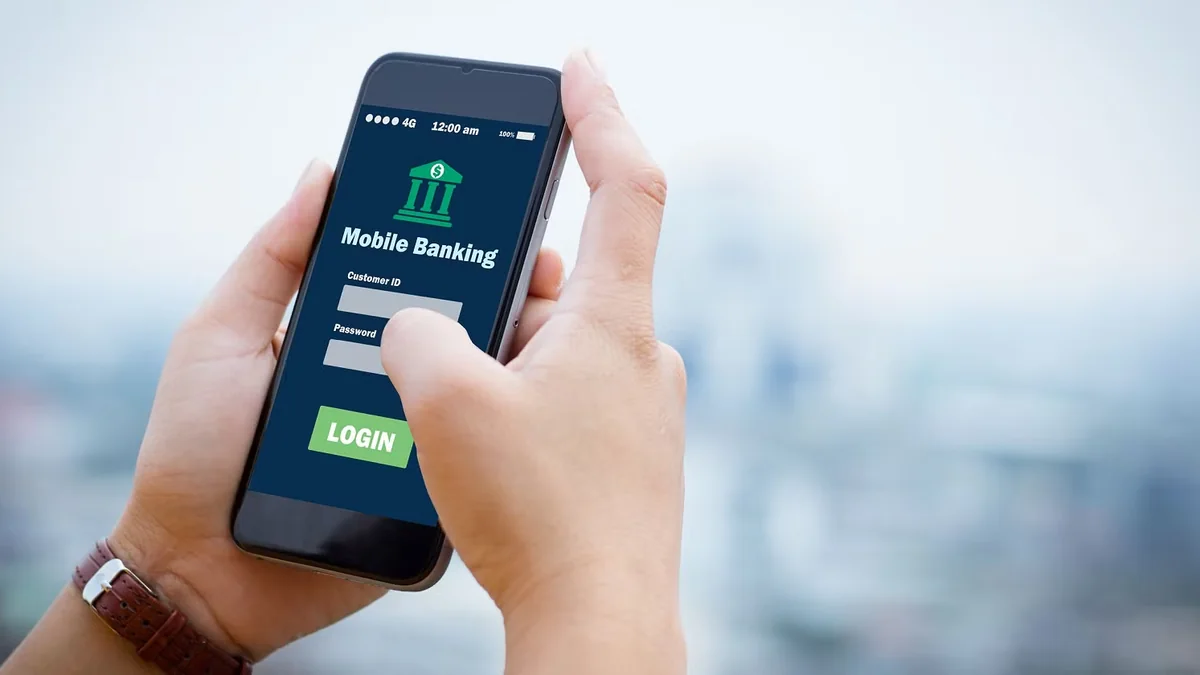
Experienced Bangladeshi players rarely lose access from forgotten credentials alone—more often, failed sign-in screens trace back to Bengali keyboard autocorrect, expired CDN cookies after ISP IP rotation, or spoofed social links posing as official login pages.
Because a live session connects straight to bKash and Nagad withdrawal controls, tightening login habits protects real BDT funds. Review our tested mobile and desktop access checklist below alongside our verified mirror checklist.
Login Error Codes & Instant Diagnostic Matrix (Bangladesh 2026)
| Login Symptom | Root Cause in BD | Quick Diagnostic Check | Verified Resolution |
|---|---|---|---|
| Invalid Password despite typing right | Active Bangla keyboard / Caps | Tap eye icon to inspect characters | Switch to English EN keyboard & retype |
| White loop / reloads login screen | Stale session cookie after IP shift | Test opening in Private / Incognito tab | Clear browser site data & cookies |
| Account temporarily suspended 15m | 5 failed password entries | Check clock wait timer | Wait 15 min or run password reset |
| OTP prompt every single login | Dynamic 4G carrier CGNAT IP | Normal for Robi/GP tower hops | Complete SMS check or save trusted APK |
| 403 Forbidden / Network Timeout | ISP DNS throttle or old mirror | Switch Wi-Fi to 4G or check link | Read Mirror Verification |
Why Mobile Carrier IP Switching Triggers Extra Security Prompts
If you sign in on home fiber Wi-Fi in Mirpur and reopen the tab thirty minutes later over mobile 4G in Gulshan, security engines detect a sudden IP and ASN shift. Rather than treating extra OTP checks as a site bug, view them as proof that automated credential-stuffing bots are blocked.
Players seeking fewer daily login prompts should install the signed Android APK or configure iOS Home Screen shortcuts, where persistent device tokens reduce repetitive logins while retaining withdrawal PIN checks.
Protecting Active Sessions on Android & Desktop Browsers
Leaving logged-in casino tabs open overnight in Chrome background tabs invites accidental taps and security session expiration bugs. Building a clean closure habit takes three seconds after each session.
- Confirm all open cricket exchange or live table bets have settled before closing tabs.
- Use the dedicated Logout menu inside the profile icon rather than simply swiping away the browser app.
- Decline Chrome 'Save Password' popups on shared office computers or borrowed family tablets.
- Review active login history weekly inside Account > Security Logs for unfamiliar device strings.
Password Manager Rules vs Browser Autofill Risks
Dedicated open-source or encrypted password managers bind credentials strictly to exact verified URLs, meaning they refuse to autofill onto lookalike phishing domains such as go456bd-login-vip.xyz. Basic screenshots stored inside phone galleries offer zero protection if a phone is unlocked or backed up unencrypted.
Simultaneous Multi-Device Conflict Rules
Signing in simultaneously on a desktop laptop and Android smartphone forces the earlier token to expire instantly for fraud prevention. If a live Evolution Crazy Time table suddenly freezes with 'Session Expired', verify whether another browser window or background APK tab auto-refreshed elsewhere.
Two-Factor SMS vs Secondary PIN Safeguards
Separating login credentials from your four-to-six-digit transaction withdrawal PIN provides double-layered protection even if someone gains temporary access to an unlocked screen. Never set your withdrawal PIN to sequential dates like 1998 or 1234.

Diagnosing Cookie Redirect Loops on Grameenphone & Robi 4G
Telecom NAT carrier towers in Bangladesh periodically rotate dynamic IPv4 addresses while commuters travel between Uttara, Gulshan, and Motijheel. When your handset switches cellular towers mid-session, stale Chrome cookies can bounce you back to an empty login box without showing an error message.
Instead of hammering your password five times and triggering a 15-minute cooldown, clear browser site data strictly for the active session hostname, switch briefly from carrier LTE to home broadband Wi-Fi, or launch the pinned Android PWA shell to renew a fresh session token cleanly.
What to Check Before Clicking Any 'Fast Login' Ad Link
Sponsored social posts claiming 'Direct Instant Login Bonus' frequently harvest user IDs for credential-stuffing attacks across other Bangladeshi sportsbooks. Always confirm origin legitimacy via our Verified Mirror Guide and Agent Safety Desk.
Inspect exact browser domain suffixes—watching carefully for sneaky zero-for-O letter swaps or random trailing digits—before typing anything inside unverified social popups. Genuine bookmarked domains match stored Apple Keychain or Google Password Manager credentials cleanly.
Transitioning Smoothly to Cashier Operations After Login
Once logged in cleanly, inspect your unread inbox notices for scheduled maintenance windows before depositing. Next, visit our bKash Deposit Tutorial or Nagad Withdrawal Guide to manage BDT transfers with minimal wait times.
Always refresh active deposit cashier panels before sending mobile cash rather than pasting merchant wallet digits saved from an earlier week. Checking active receiver numbers daily prevents stuck manual TrxID support tickets and keeps deposits moving instantly.
When finishing play on shared household smartphones, avoid leaving your bKash cashier history open inside recent Android app switchers so accidental background taps never trigger unintended repeat deposits.
Related Bangladesh Verification Guides
Explore verified payment routes, sibling reviews, and safety audits from the GO456BD desk:
Field Summary & Next Steps
Treating login security with the same care as your mobile banking app protects every Taka inside your account balance. Verify domain certificates, keep keyboards set to English ASCII during password entry, and keep withdrawal PINs strictly isolated from account logins.
Encountering persistent technical lockouts? Jump immediately to our Account Recovery Guide before generating unnecessary retry blocks.

Responsible Gaming & 21+ Player Protection
Participation in real-money betting and casino games on GO456BD is restricted strictly to adults aged 21 years or older. Pre-commit your weekly BDT entertainment ceiling before loading bKash or Nagad funds, and treat session deposits as entertainment expenses rather than income.
Verified players can trigger account cool-off periods or full self-exclusion within 24 hours across mobile web and APK channels. Confidential international support is available free of charge via Gamblers Anonymous, Gambling Therapy, and BeGambleAware.
Frequently Asked Questions (PAA & AI Quick Answers)
Why does my password fail when I am certain I typed it correctly?
On Bangladeshi smartphones, switching accidentally into Ridmik or Gboard Bangla mode inserts invisible characters or alters ASCII symbols. Toggle keyboard input to English US and tap the visibility eye icon before submitting.
Can I stay logged in simultaneously on mobile web and the Android APK?
No. Security architecture terminates older tokens whenever a new device authenticates, preventing duplicate multi-tab bet manipulation or unauthorized concurrent access.
Is biometric fingerprint login safe on Android?
Yes, when linked to an up-to-date APK installed directly from official verification channels on a personally owned handset rather than a shared family phone.
What triggers automatic 15-minute login lockouts?
Five sequential failed password entries or automated script pacing triggers short protective lockouts. Wait until the timer expires or use SMS Forgot Password recovery.
How do I secure my account if I accidentally clicked a suspicious link?
Immediately open the genuine official portal via a clean bookmark, rotate both your account password and withdrawal PIN, and verify no unauthorized wallet bindings were added.